Stay Head of the Latest AI Trends

May 29, 2026
AI Agents Explained: Model, Memory, and Tools (vs. Chatbots)
This episode breaks down what an AI agent is without overcomplicating it: a coordinator that interprets your request, determines what needs to happen, and chooses the next step. It explains the key components an agent needs—an underlying chat model (e.g., GPT, Claude, Gemini) to understand and respond, memory to retain context such as prior customer support issues, and tools to take real actions like checking order status, sending emails, updating a CRM, creating tickets, or calling APIs. The core distinction is that while a chatbot mostly replies, an agent can understand the goal, use context from memory, leverage tools, and actively move tasks forward. 00:00 What Is an AI Agent 00:19 The Chat Model Brain 00:38 Why Agents Need Memory 00:53 Tools That Take Action 01:08 Chatbot vs Real Agent

April 26, 2026
AI-assisted meeting prep
Sample mock up AI agent build to learn features of platform.
April 26, 2026
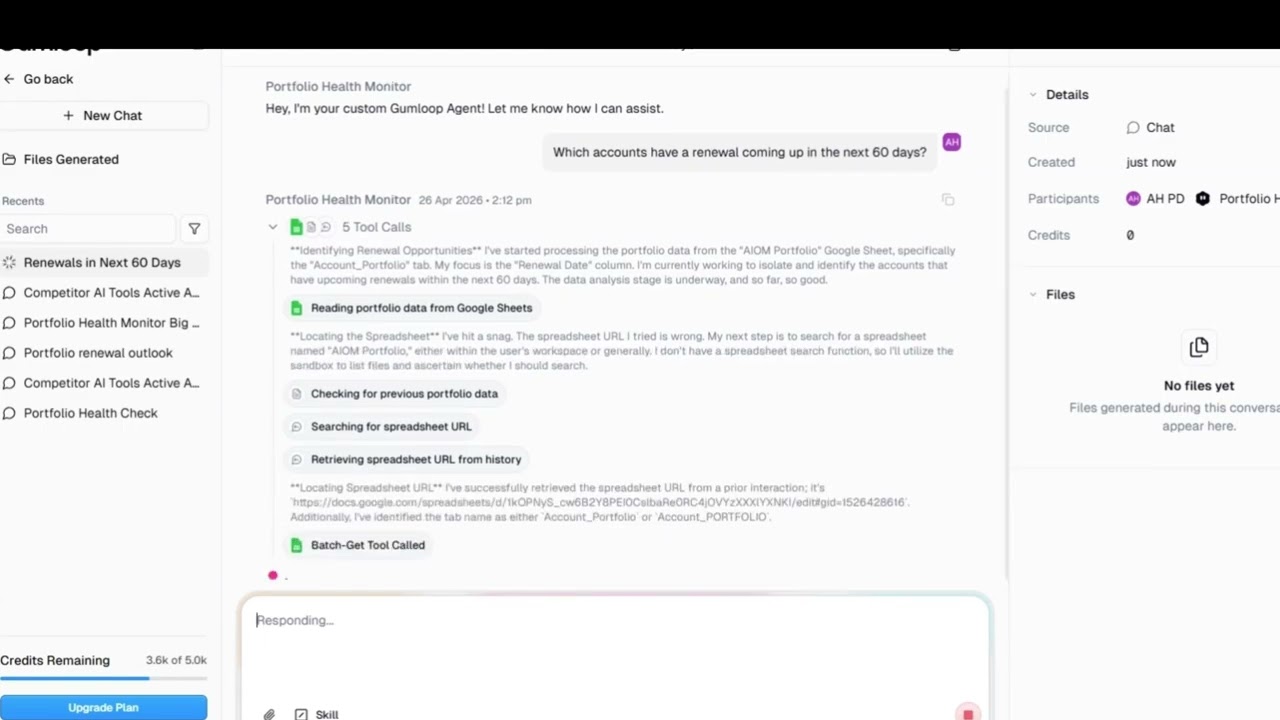
Enterprise Portfolio Monitor Agent Build
Sample mock example to test capability of AI agent platform and to understand how agents can be built.



April 12, 2026
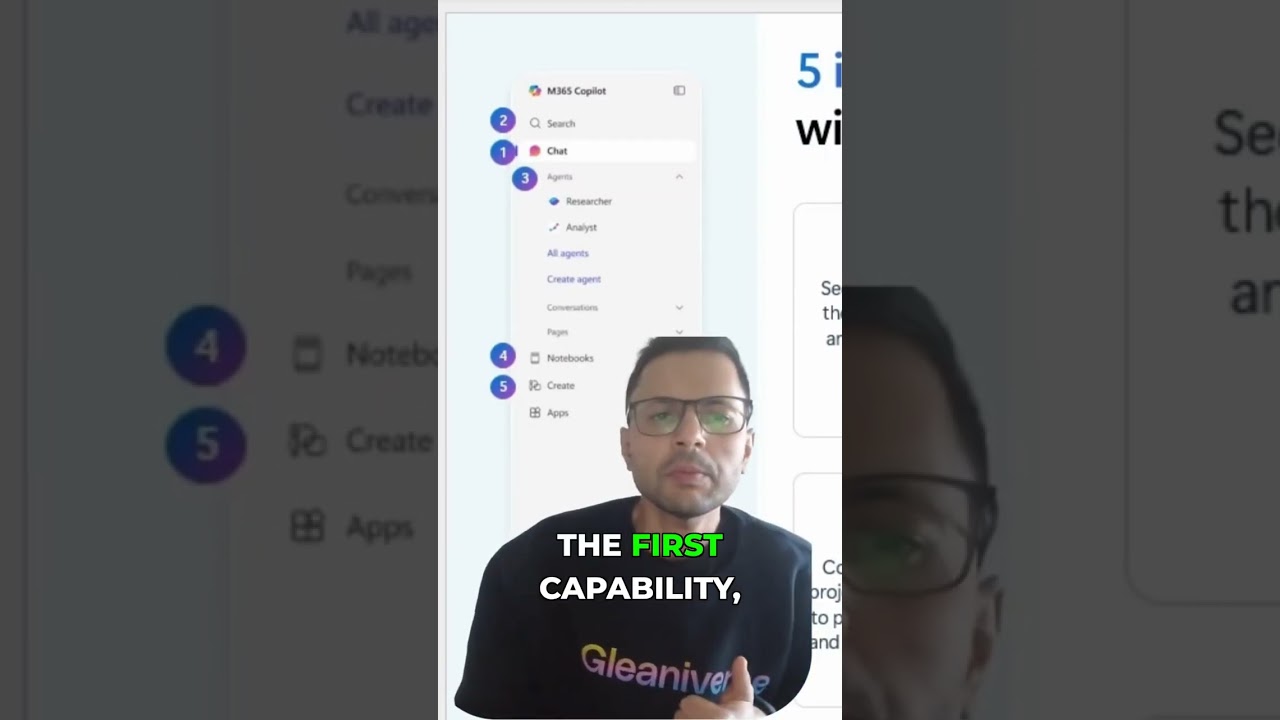
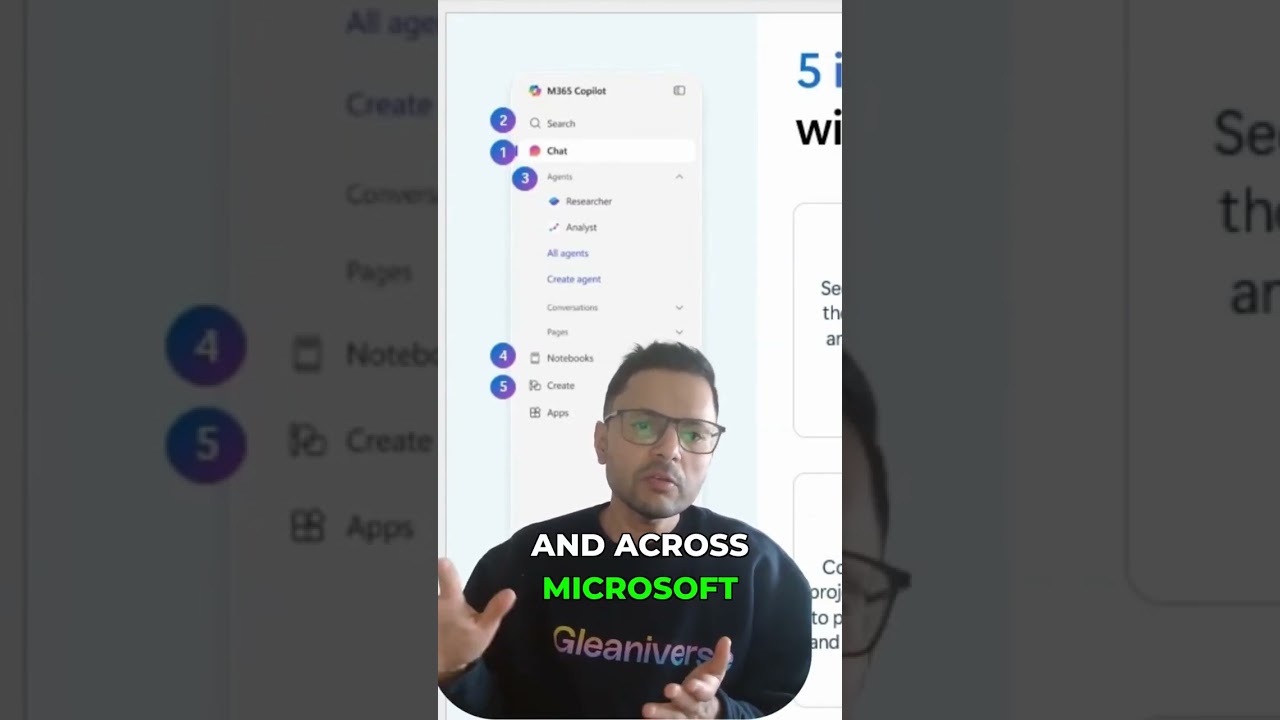
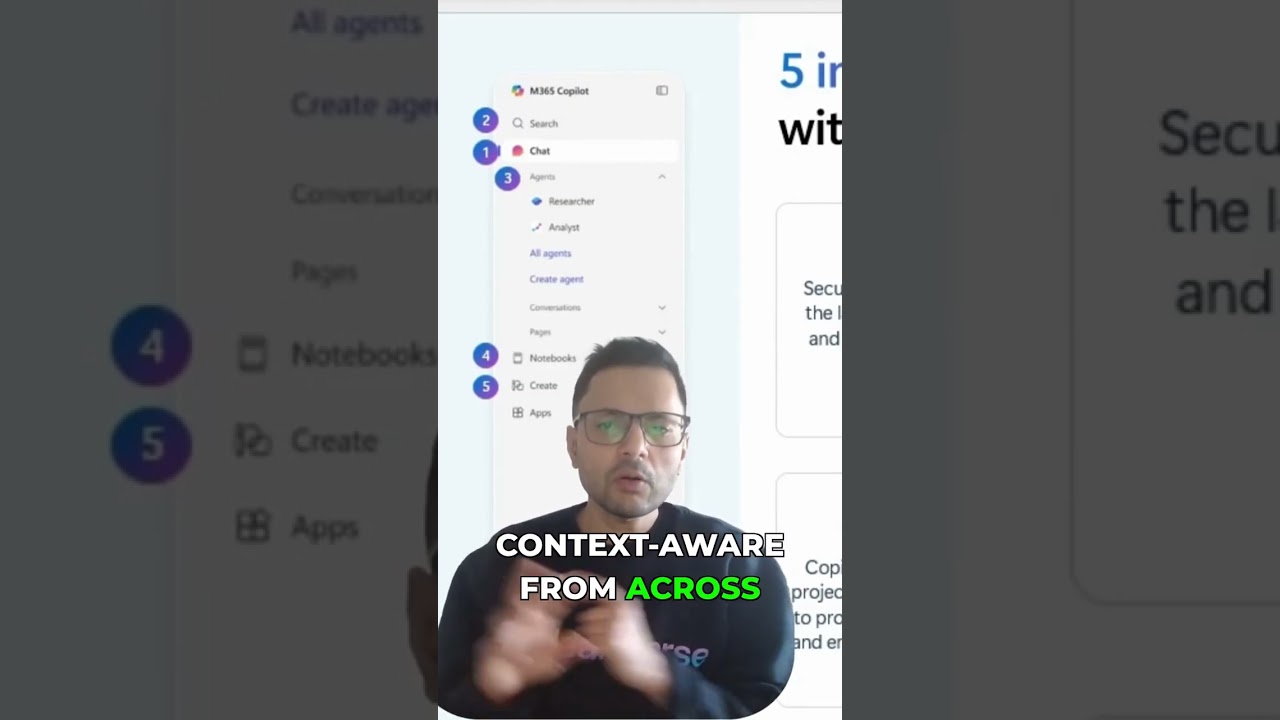
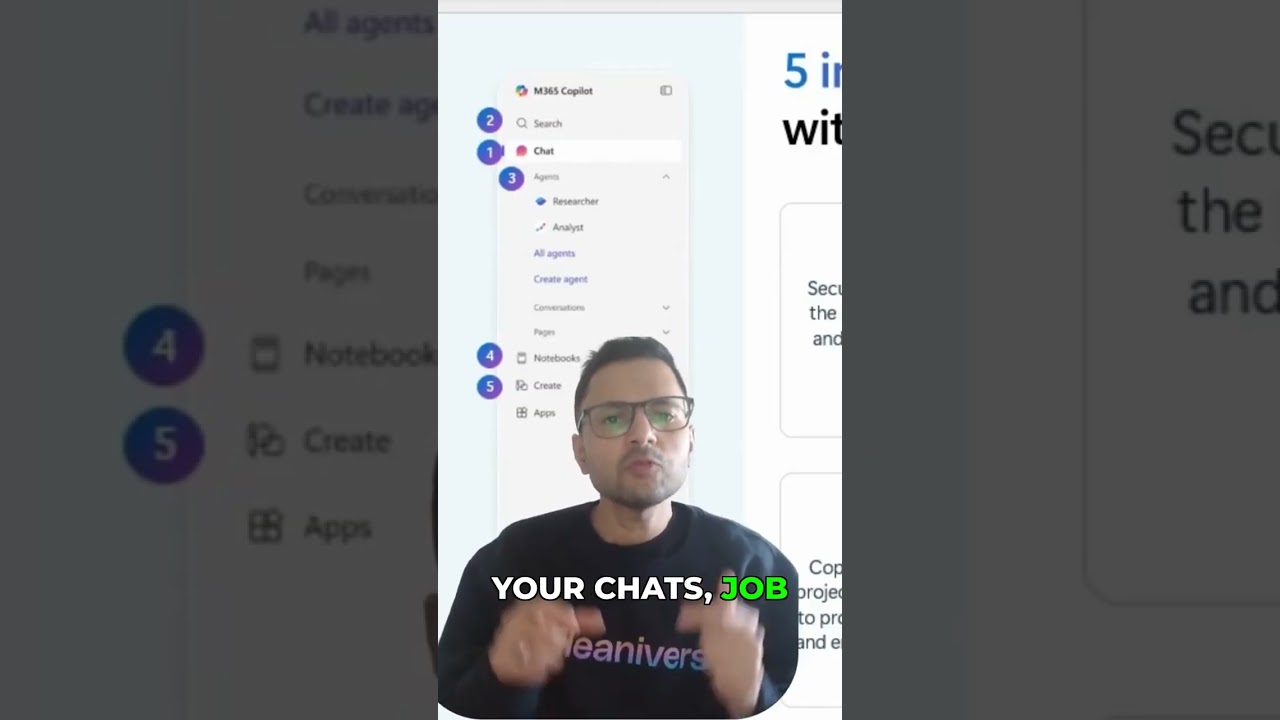
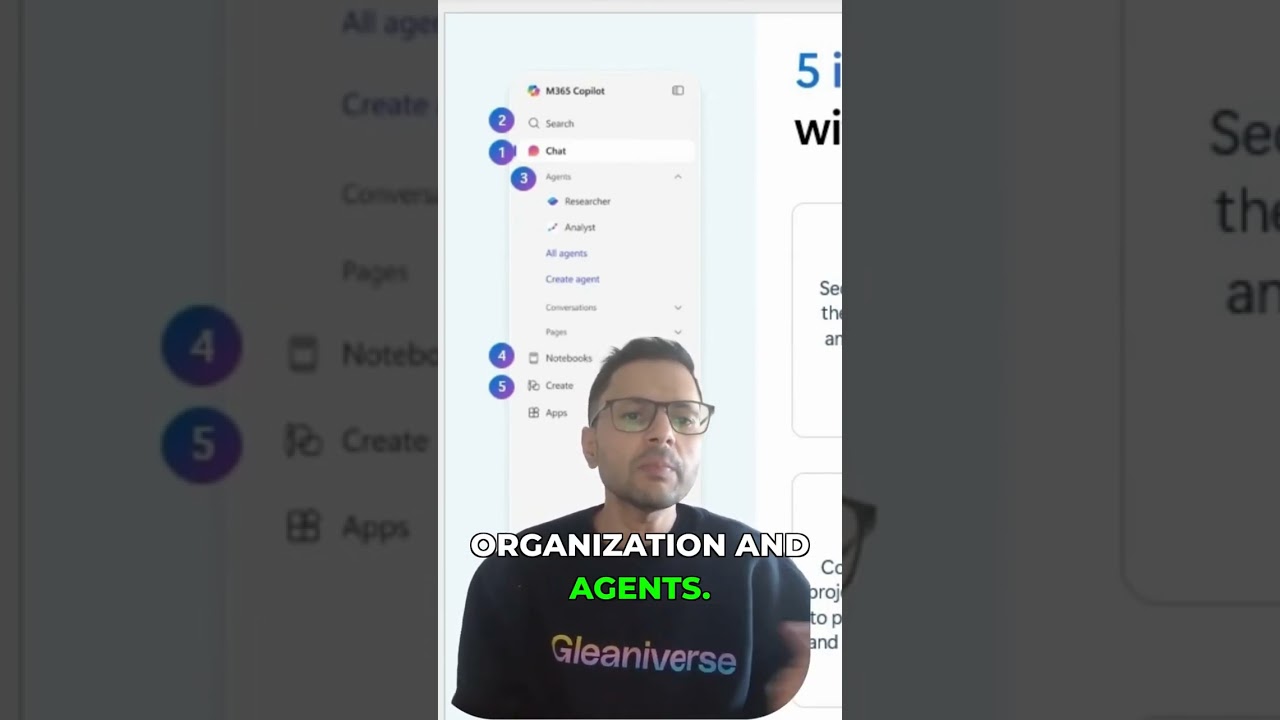
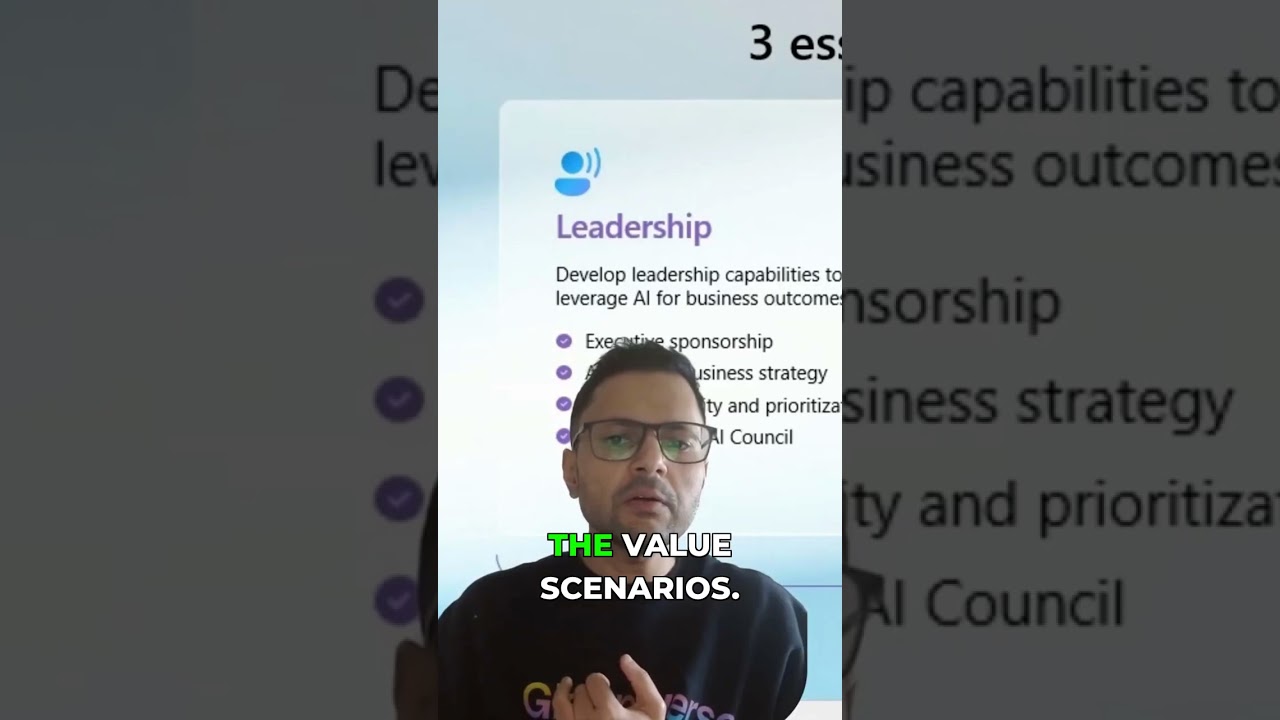
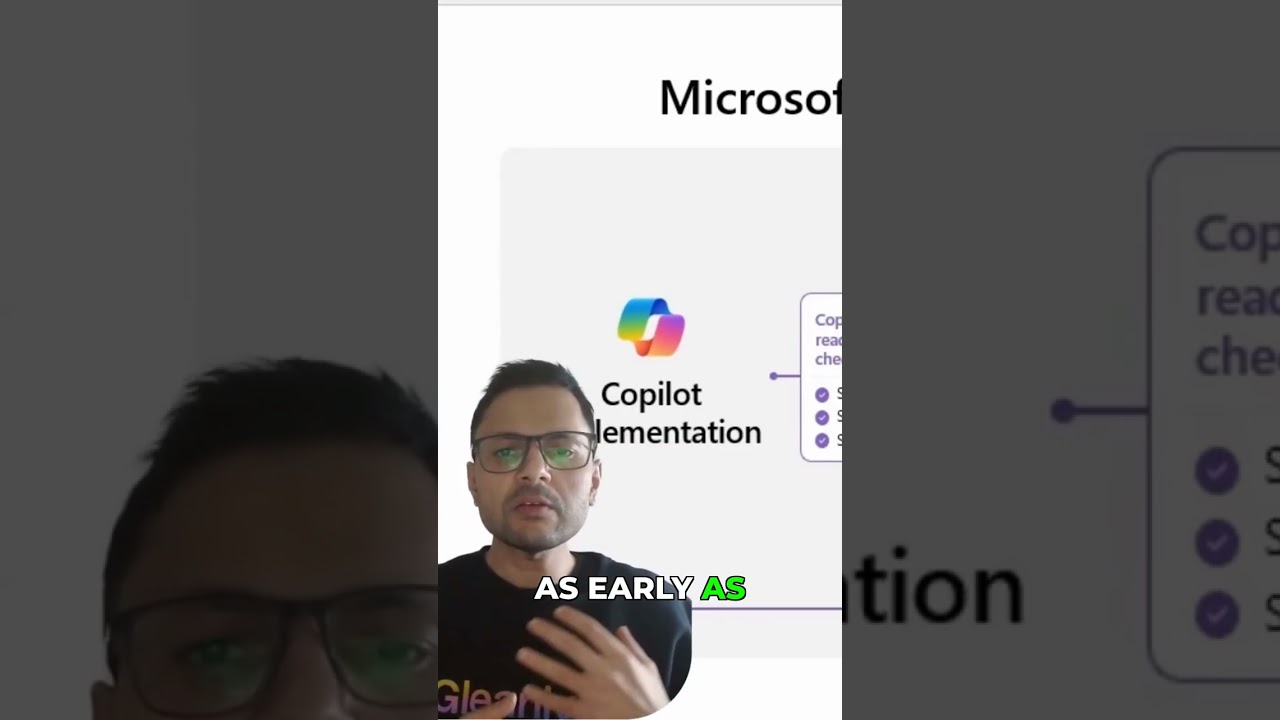
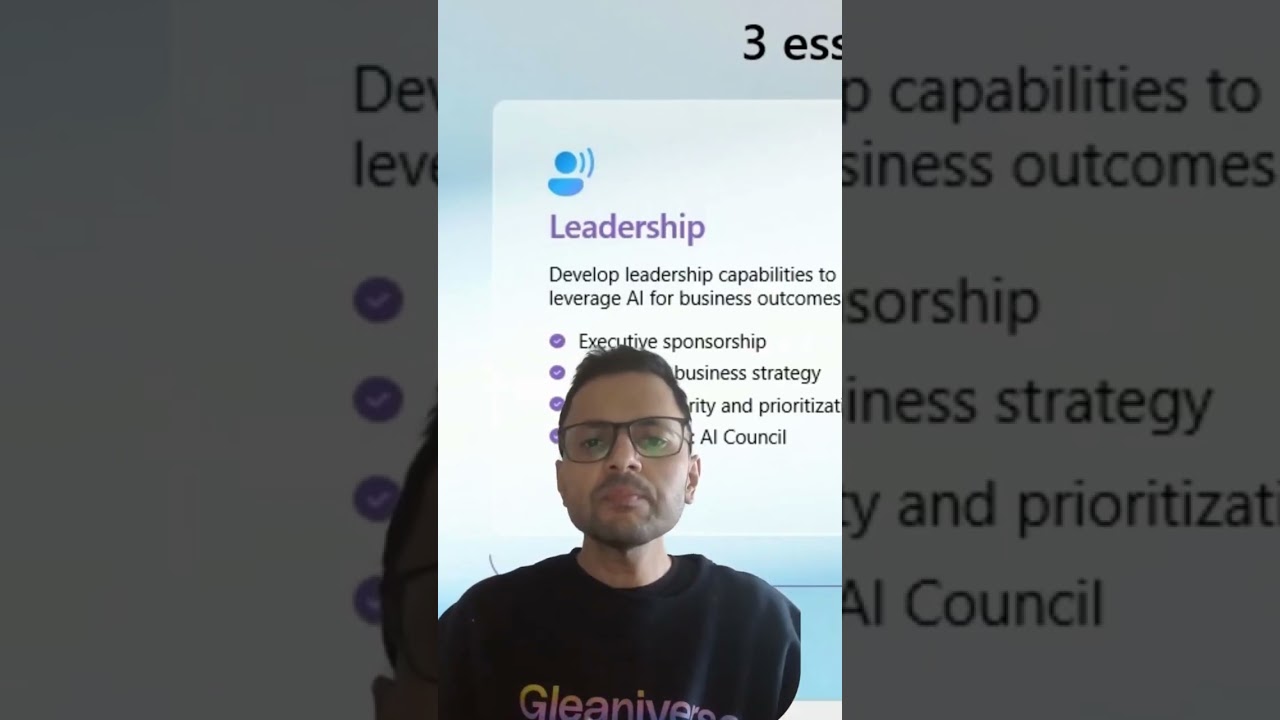
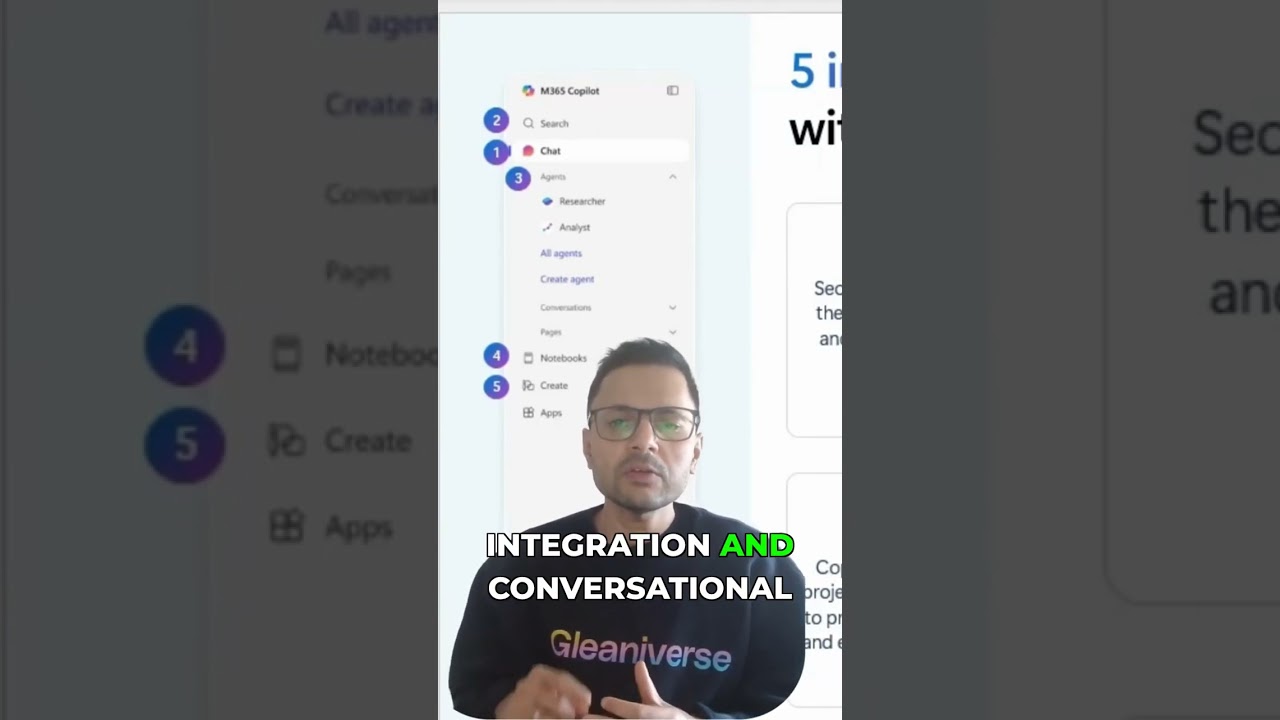
5 M365 Copilot Features Most Teams Don't Even Use Yet
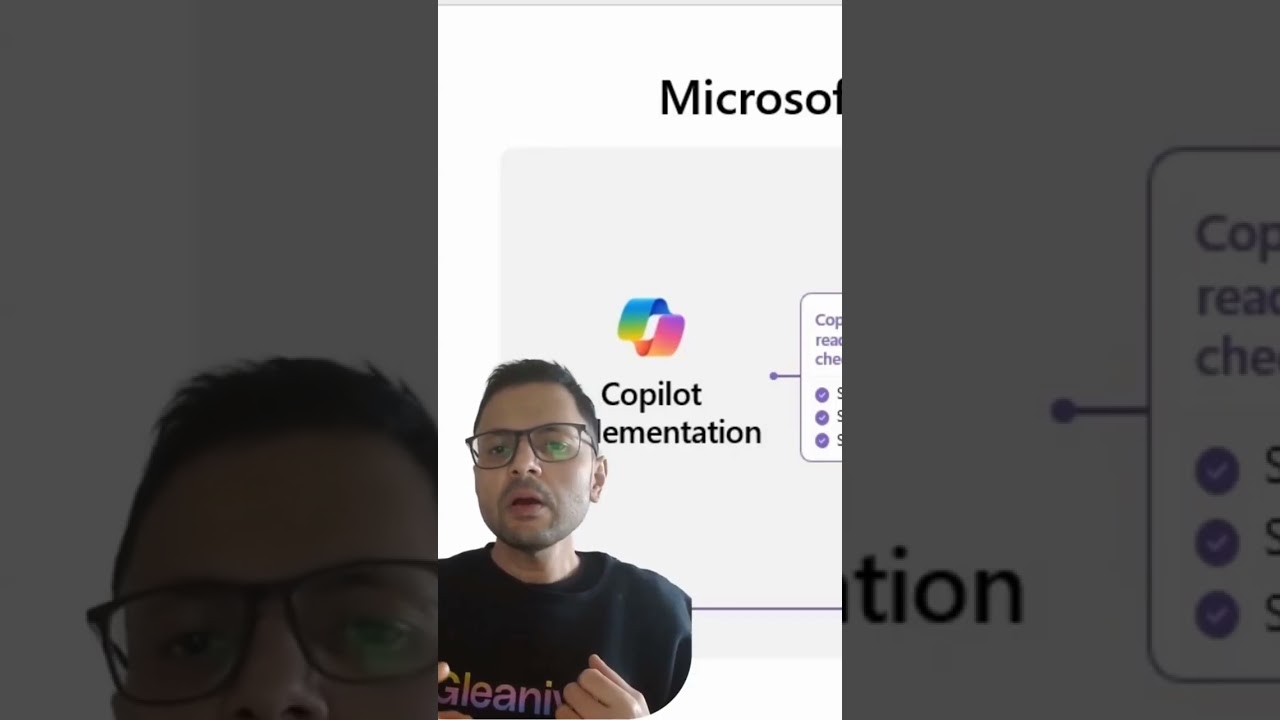
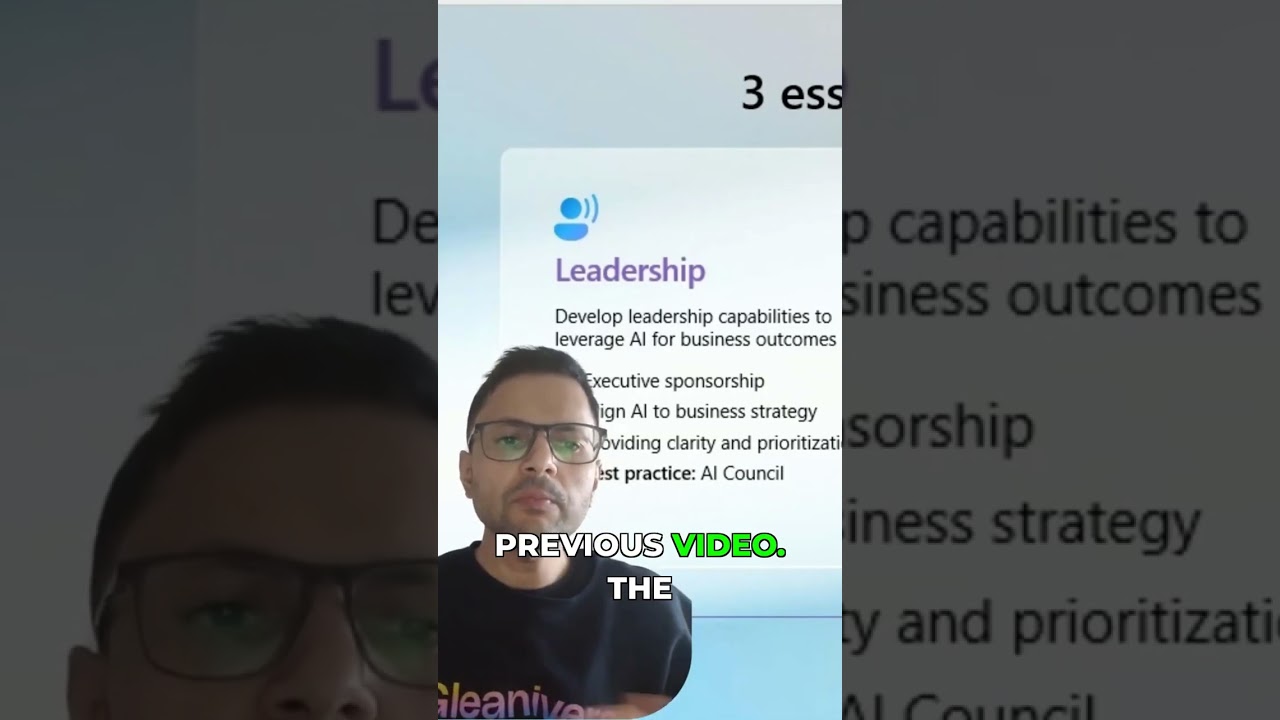
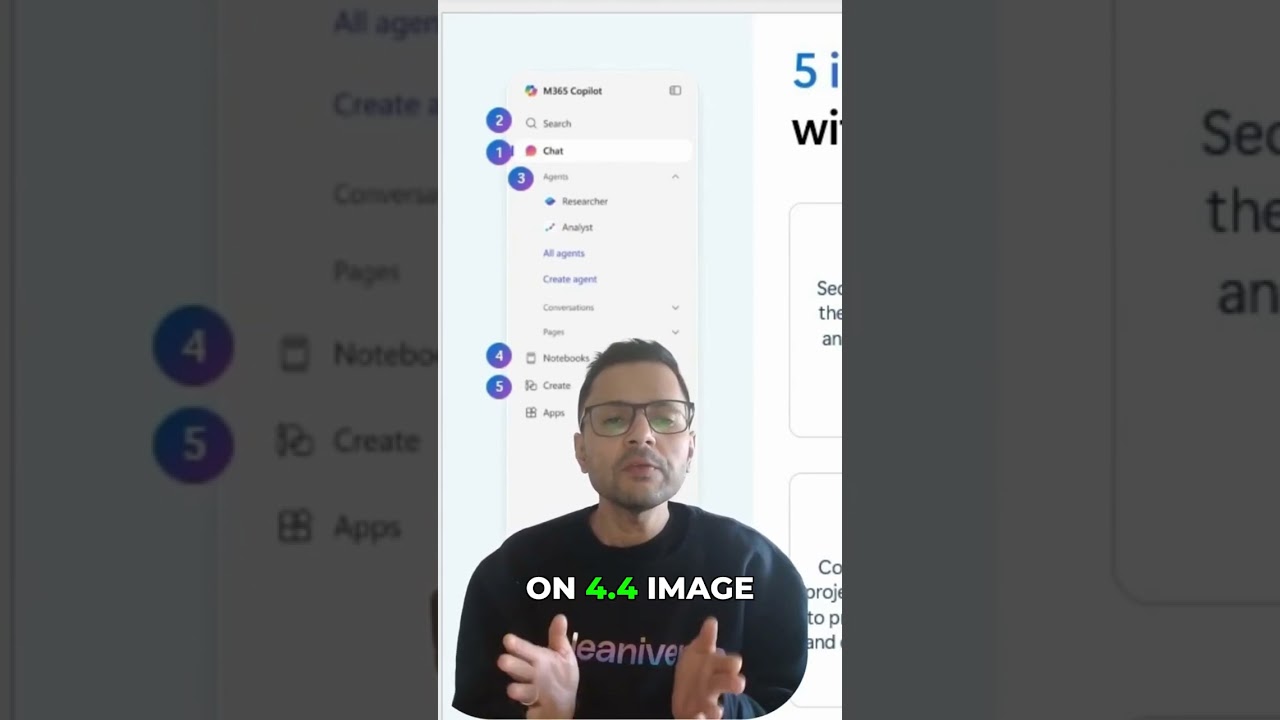
This video details the five core capabilities of Microsoft 365 Copilot, covering chat, search, agents, notebooks, and creation. We clarify AI value drivers to leverage AI for business outcomes and discuss the implementation process, focusing on human change and technical readiness. Learn how to accelerate workforce transformation through Copilot's optimization assessment, analytics, and academy, highlighting Microsoft's investment support for copilot adoption and ai productivity. 00:00 Microsoft 365 Copilot Overview 00:07 Chat Experience Upgrades 00:35 Copilot Search Across Apps 00:57 Agents and Agent Store 01:39 Notebook for Team Work 02:12 Create with Image Generation 02:41 Three Keys to Success 04:07 Implementation Journey and 3 Ss 05:58 Leadership and AI Council 10:05 Human Change and Enablement 12:22 Value Progression and Viva Tools 14:14 Technical Readiness and Security 16:20 Copilot Studio and Support Options 17:41 Wrap Up and Next Steps